Online classes through Burlington Parks and Rec – with Andy Porter
I will be teaching a Basic DSLR Photography Course AND a 5-session Introduction to Photoshop Class, online, through Burlington Parks and Rec. These classes are all done via ZOOM. I just completed the first set of classes and it was a lot of fun!
The Basic DSLR Photography Class is for beginners. We will cover how to shoot in the manual mode, learn about bracketing and how to get the right shot, and also cover use of a circular polarizer, RAW files, and more. You need to have a DSLR Camera for the class (IF you cannot change lenses on the camera, its NOT a DSLR!) The class is scheduled for two different days (same Class, both days). Tuesday, June 1, from 6 to 7:30pm and again, the same class, on Tuesday, June 29, from 6pm to 7:30pm. You can enroll online through Bellingham Parks and Rec. beginning on April 12th at 8:30 am. The class is $40. Here is a link to the Parks and Rec web site.

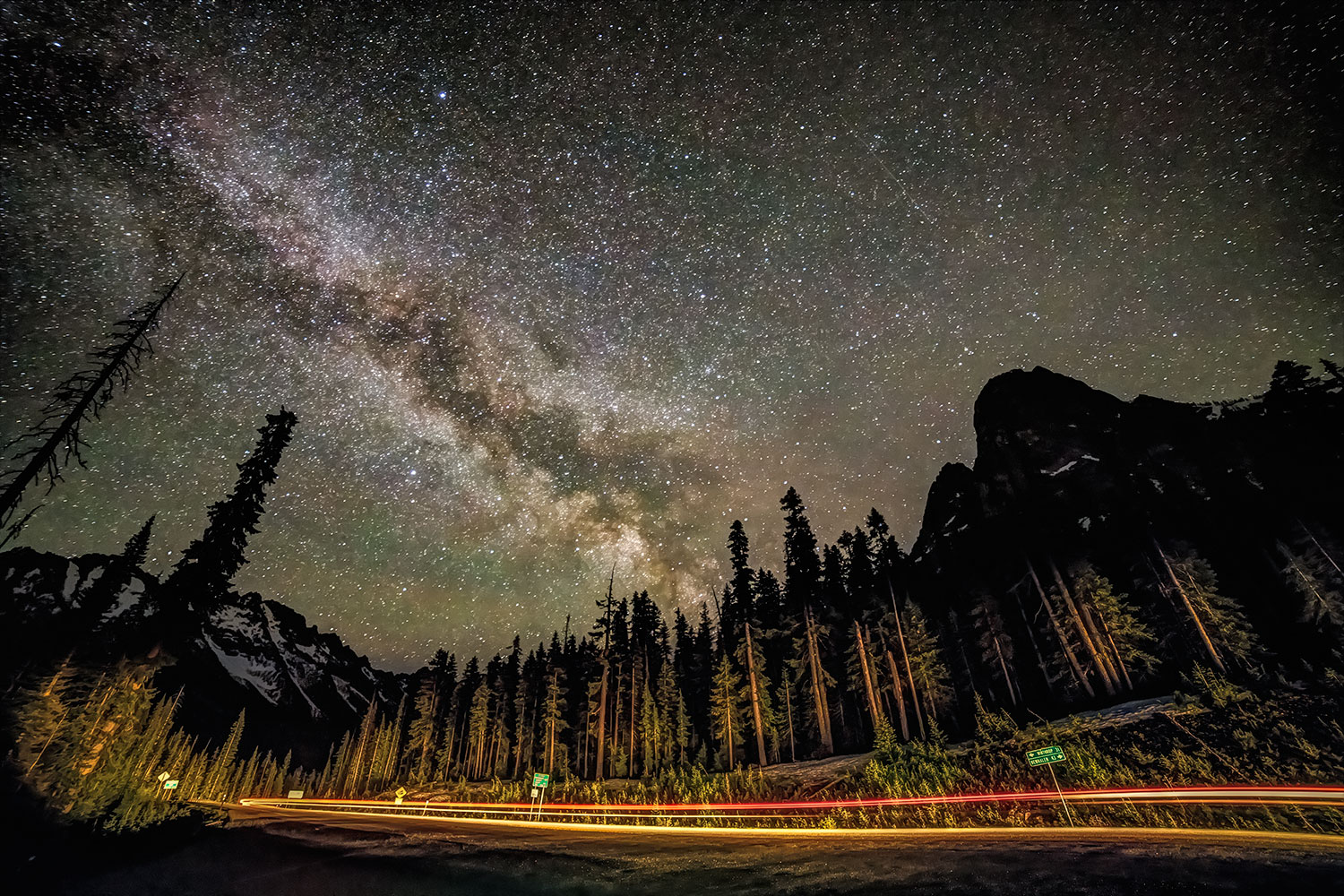

Introduction to Photoshop is a 5-session series of classes for anyone interested in learning some basics of Photoshop.
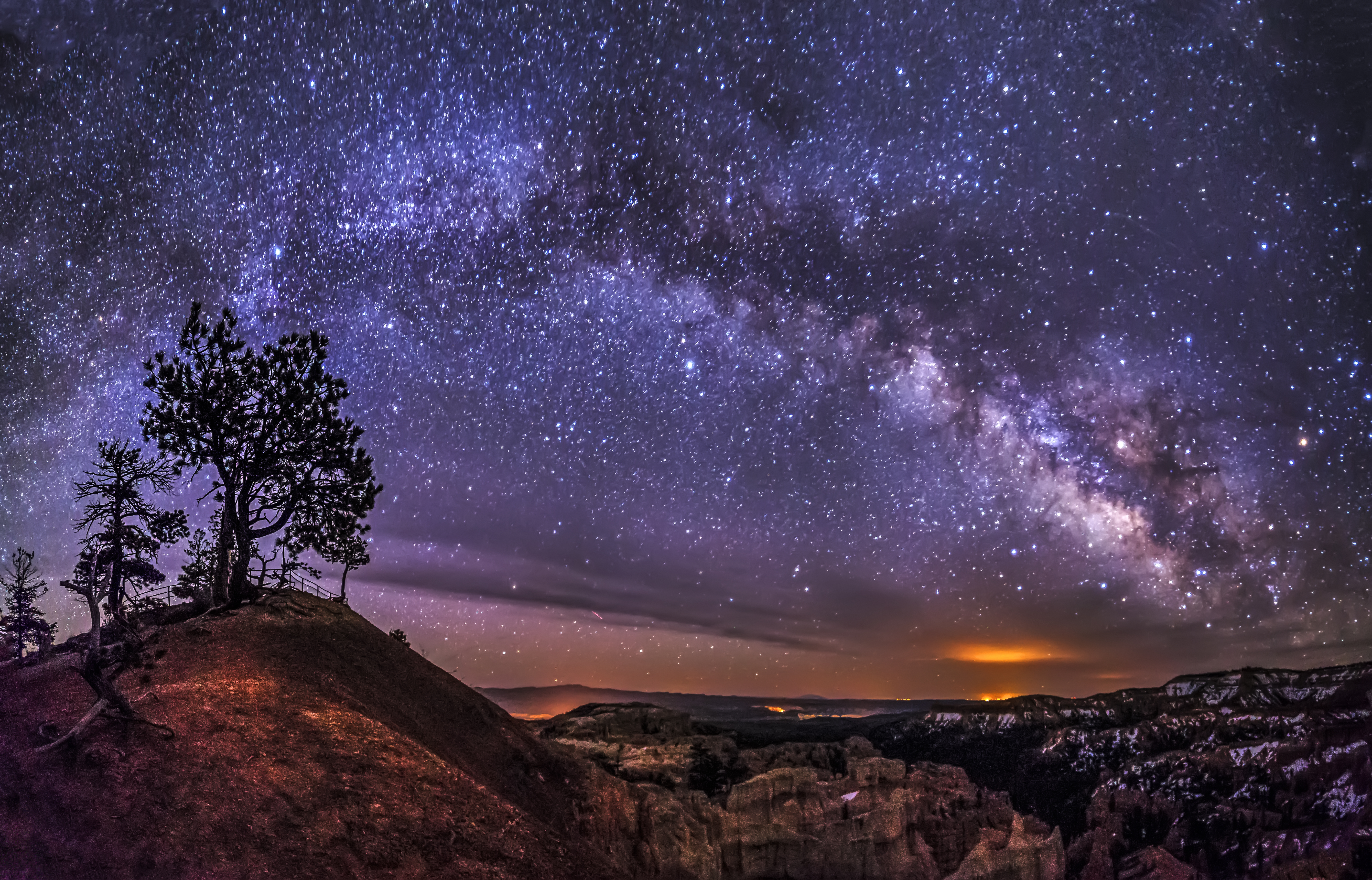
I never wanted to learn Photoshop. I was drawn into it rather reluctantly. But as a Nature – Landscape – Night Sky Photographer editing and prepping my images for printing is now an integral part of what I do. In this series of 5 classes we will first cover how to enhance your images using Adobe Camera Raw. This allows you to adjust the overall exposure, shadows and highlights, as well as many other options, to make your image look much closer to what your eye saw when you captured the image.
The Camera Raw interface makes it easy to edit any image, portrait, nature or nighttime images and save them in the proper formats for printing and web use.
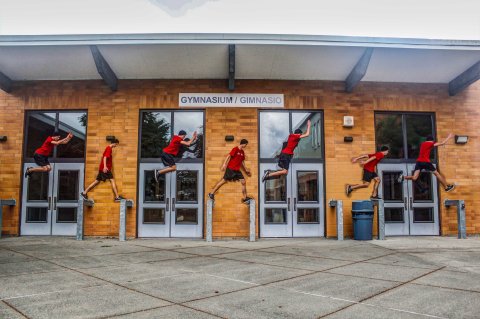
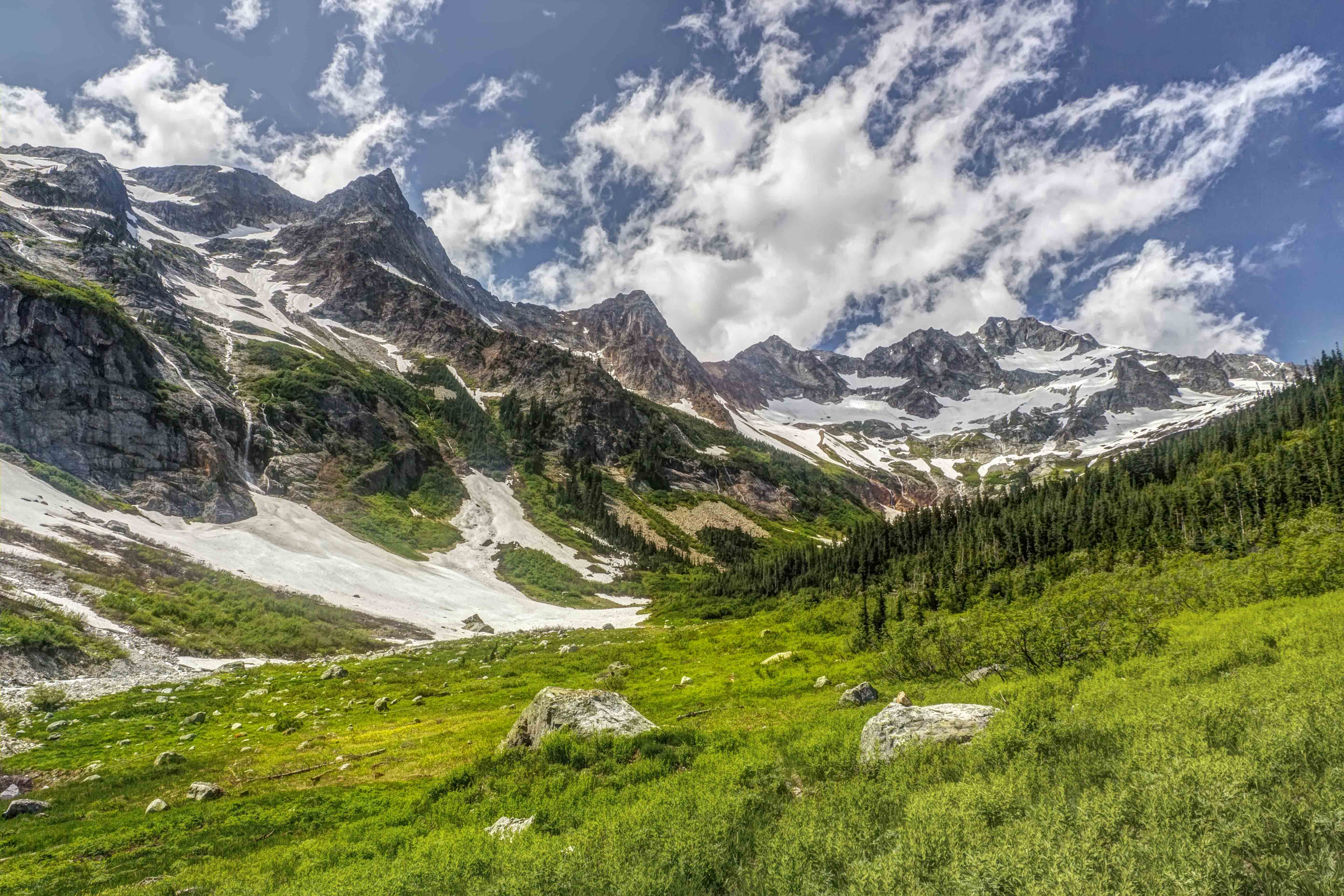
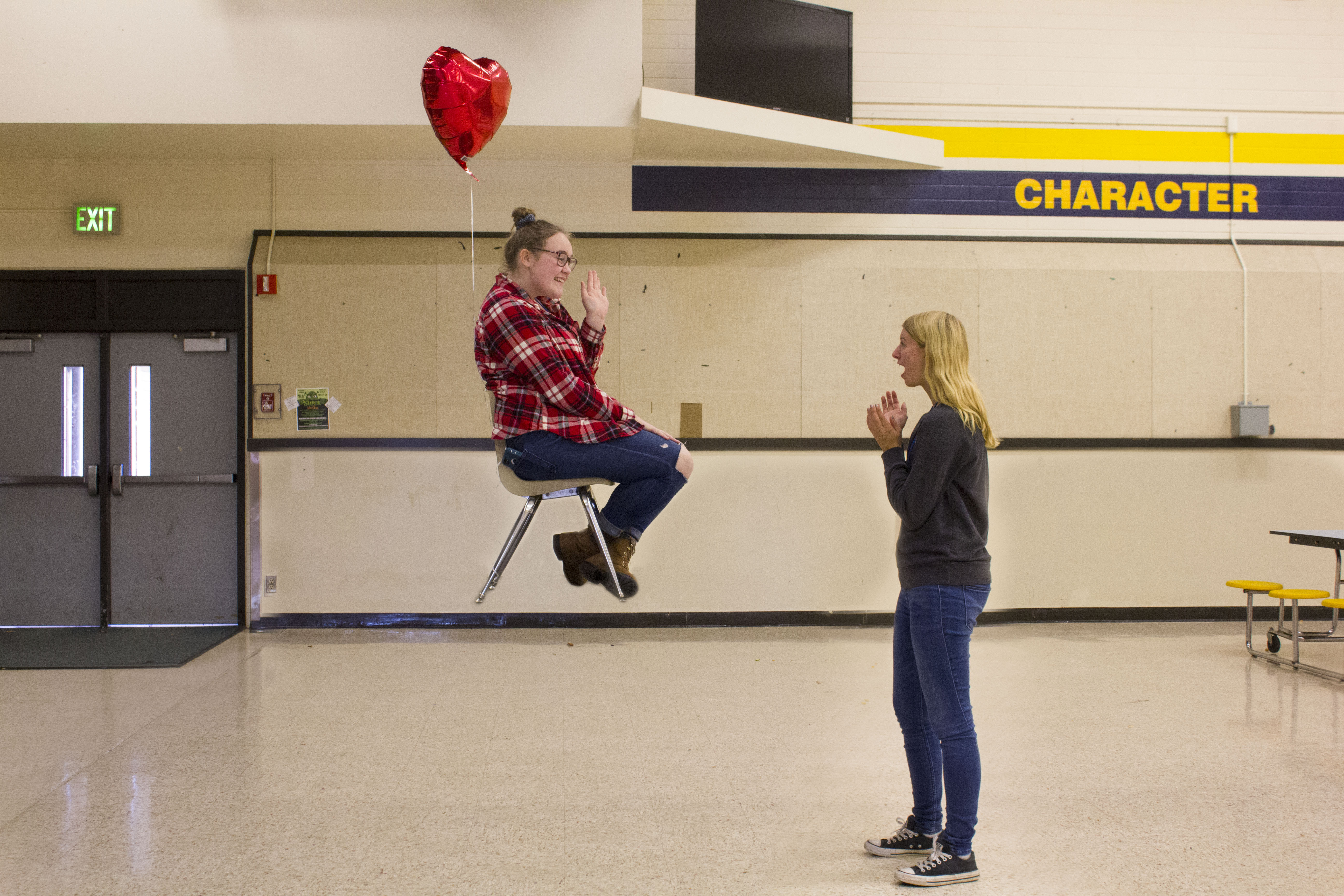
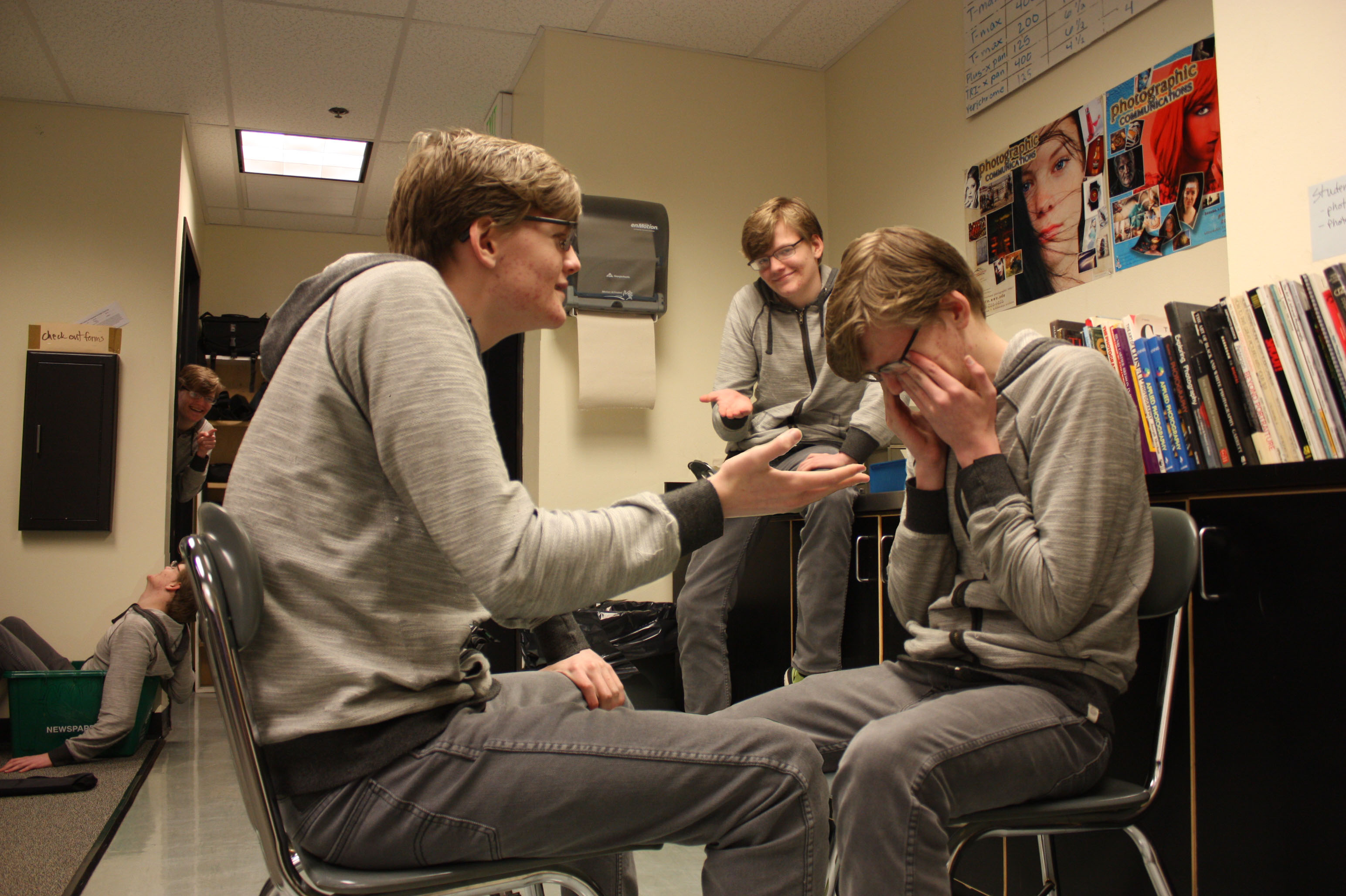
There will be creative lessons about layers and for some lessons you will need to both capture images, and edit them. There is a lesson on Multiplicity, or cloning, where you blend multiple images of the same person together and another creative assignment, Levitation, learning how to make someone or something float in the air! We will also cover how to capture and edit a Panorama image and make it ready for printing.
-
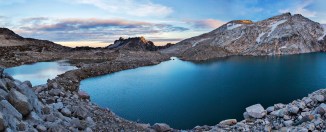
- Panorama
-
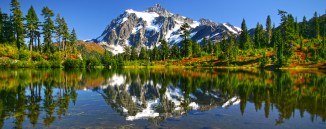
- Panorama
-
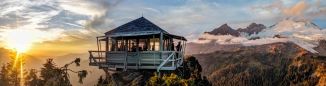
- Panorama
-

- Multiplicity
-

- Multiplicity
-
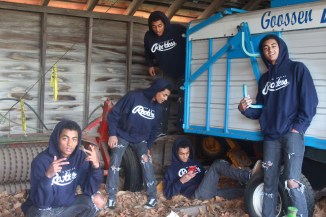
- Multiplicity
-
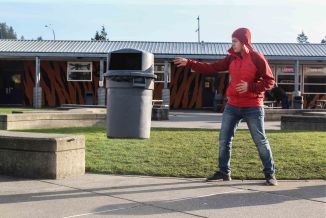
- Levitation
-

- Levitation
-

- Levitation
Students must have a current subscription to Photoshop, newest version/subscription. AND HAVE SOME familiarity with Photoshop. Please don’t download Photoshop for the first time and expect to be able to follow along! The series of 5 classes can be purchased separately for $50 a class, or as a package for $200 for all 5 classes. You will also need to have a camera or cell phone to capture images with as well as a simple tripod.
Why should you edit your images at all?
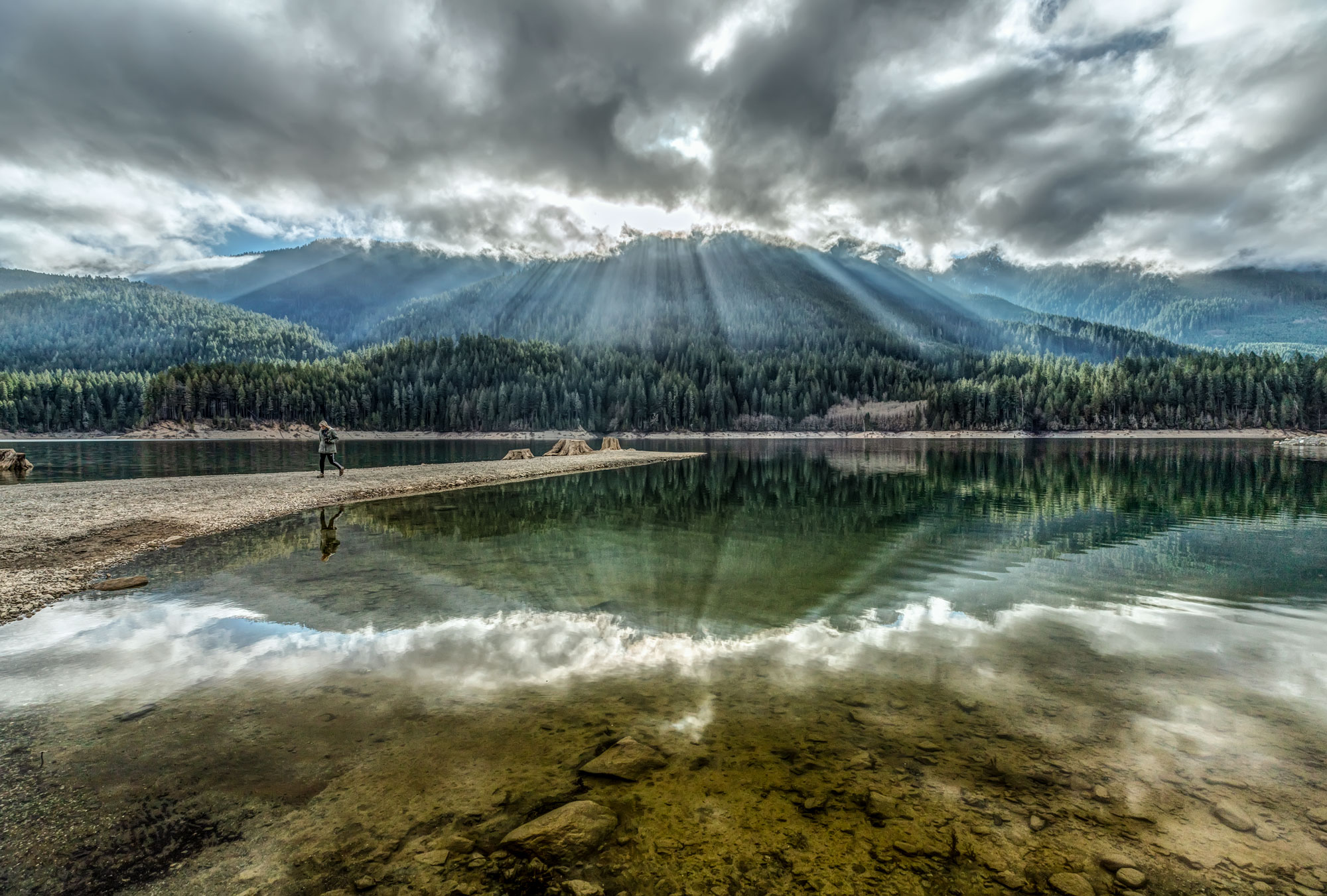
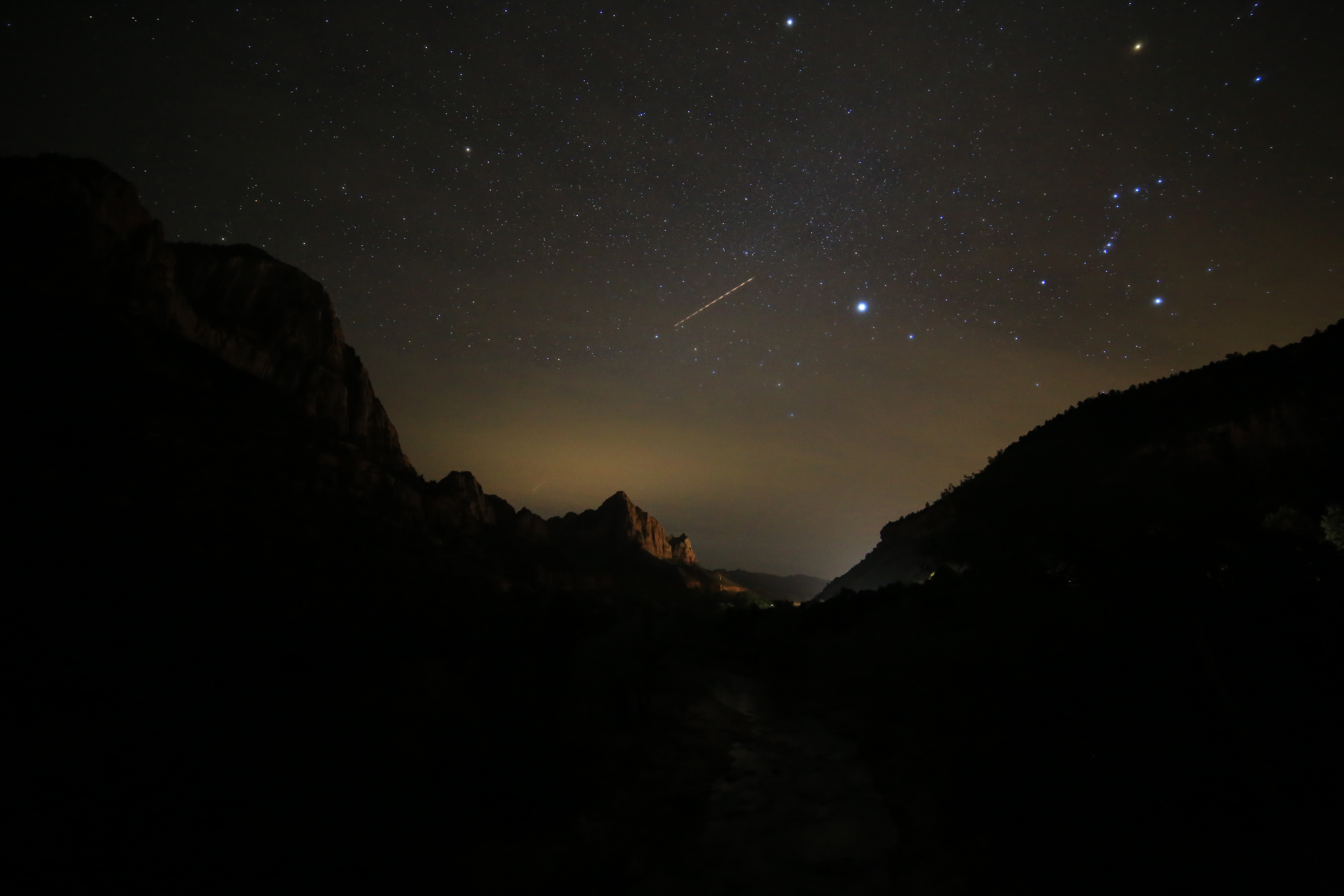
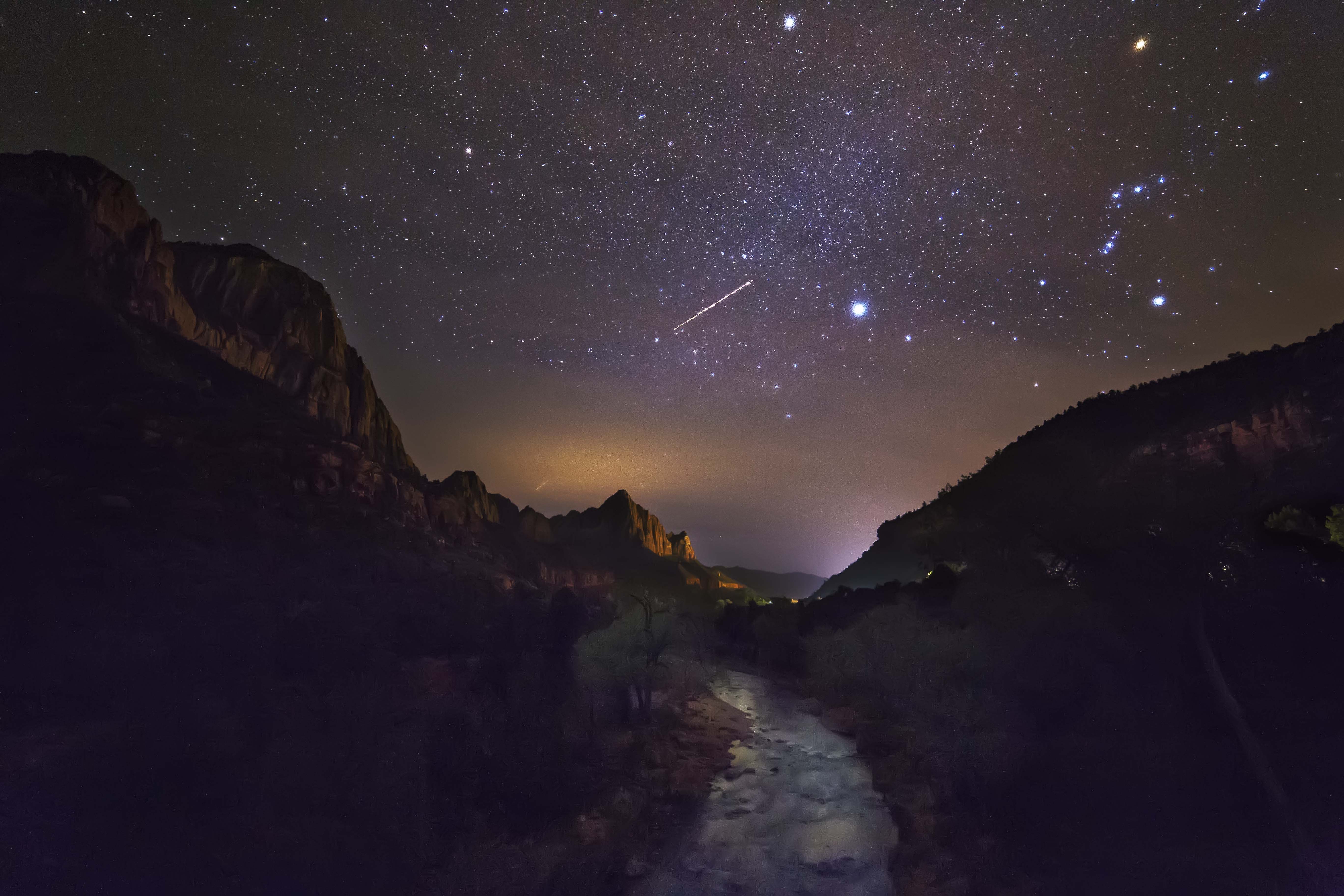
The Human Eye sees more than any camera can record. When you capture images of high contrast scenes, like sunrises or sunsets, the camera cannot capture BOTH the brightest AND darkest parts of the scene. So, sunset images you capture with your camera are either too bright in the sky or too dark in the foreground. But this is NOT how it looked to your eye!
You can use Photoshop to make the brightest parts of the image darker, and the darker parts of the image brighter. This is what Ansel Adams did with his black and white negatives, he “edited” them by dodging and burning (darkening and brightening) parts of the image.
In the world of Photoshop, this is easy to do. Of course Photoshop can do more than brighten and darken parts of the image; you can enhance colors, erase unwanted items in the image, and make the image look like the scene you saw with your own eye.
Each class is $50, or you can enroll for all 5 classes for $200.
Here is the link to Burlington Parks and Rec to enroll.
Classes are Wednesday Night, June 2; Thursday Night, June 10; Thursday Night, June 17; Thursday Night, July 1, and Thursday Night, July 8th. All classes from 6 to 7:30pm, all online.
IF you have ANY questions about the classes, or what will be covered, feel free to email me anytime.
Andyporterphotography@gmail.com












 North Western Images - photos by Andy Porter