I am probably preaching to the choir here, but if you are not capturing your images in the RAW format you are really missing out.
For some years I set my camera to capture the largest JPEG file available and modified the images in Photoshop. I learned many cool techniques for selecting and altering the color, tone, contrast and more of these JPEG images.
About 2 years ago I changed my camera settings so that the images are captured as both JPEGs and RAW.
Since then I have studied how to make alterations to the RAW images and the difference is astounding. I found that when you start with a RAW image that you can make alterations to your shot so much easier.
Photoshop CS6 offers a simple set of controls for RAW images, modifying the lens distortion is an easy fix. Saturation also becomes SO much easier to alter, in the RAW format you can selectively change the saturation, brightness or tone of one color at a time.
Here is an example: This first image is the original shot.
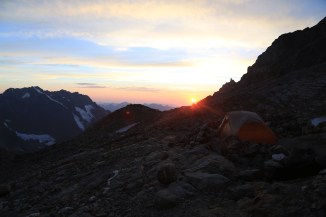
This second image was modified as a RAW image in CS6.

Here is another shot. First the original,
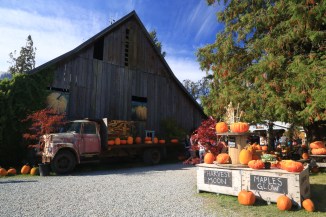
then the altered RAW shot.
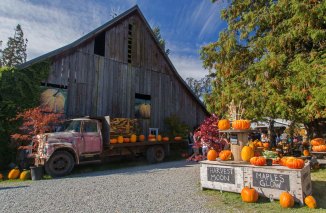
Have a close look at the boards on the barn, and the sky. There is no way that I could have made these changes as clearly and quickly if I started with a JPEG shot.
Without a doubt start to capture in the RAW format now. Even if you don’t currently have the software to alter images in the RAW format, do it anyway! Some day you will have the ability (software, time, interest, etc) to work with the RAW images and you will be most happy that you shot in RAW!!!
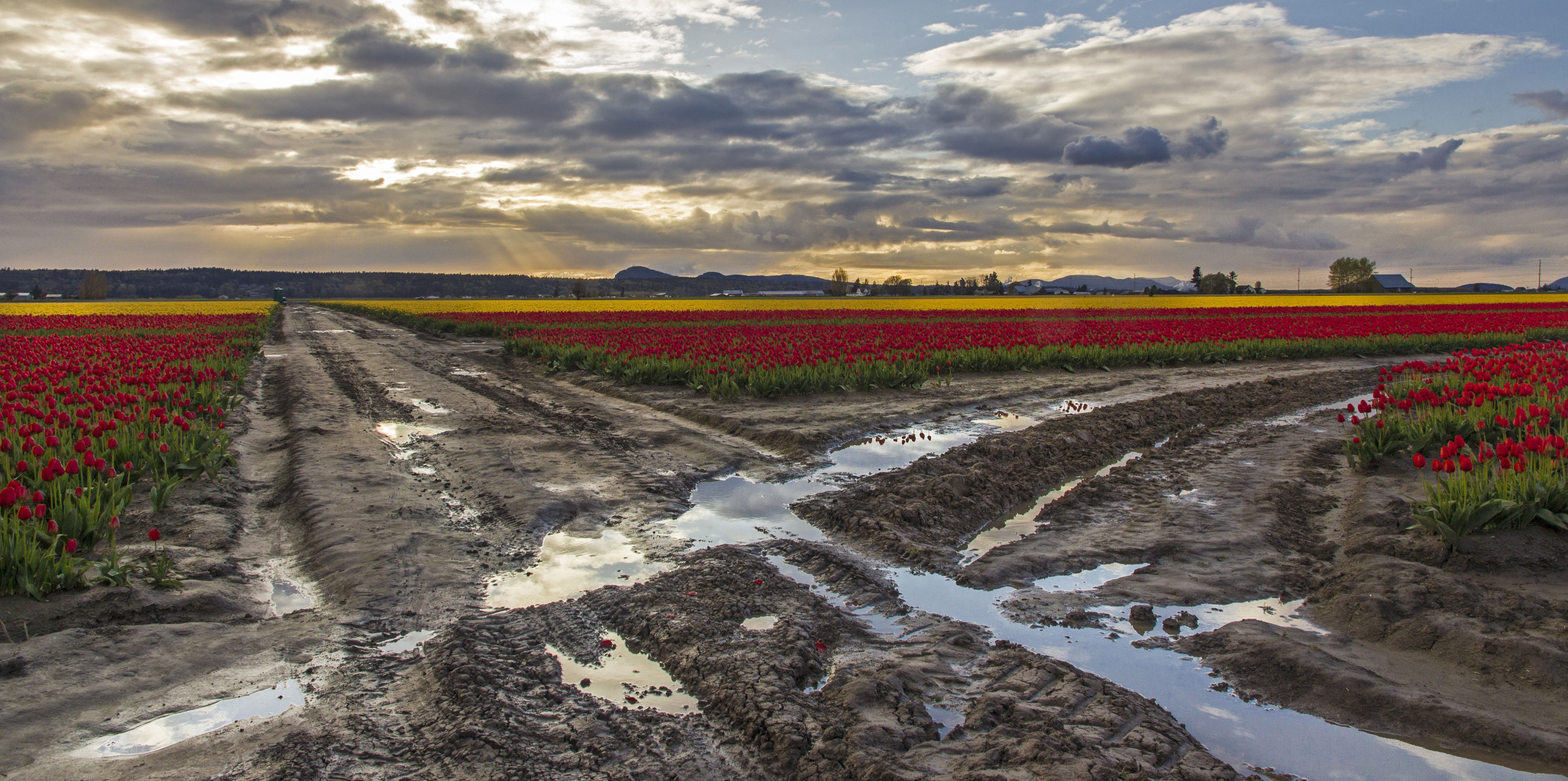




 North Western Images - photos by Andy Porter